
Use case
Turn Text into Scroll-Stopping Videos with AI
Shooting and editing product or social videos the traditional way means cameras, talent, reshoots, and long timelines. That's tough when you need daily TikToks, Reels, or quick product explainers.
Synpix text-to-video turns clear prompts into short clips in minutes. Choose your aspect ratio and duration, then render a Veo-powered video that's ready for social feeds or product pages - no crew or editing suite required.
Why AI Text to Video is Perfect for Product and Social Clips
Faster launches
Test three hooks or offers in a morning. Swap aspect ratios for TikTok, Reels, or widescreen explainers without reshooting.
Budget-friendly
Turn scripts and product descriptions into motion without hiring crew, booking locations, or renting gear.
Consistent branding
Lock in brand-safe styles, keep motion cues consistent, and deliver the same look across ads, PDPs, and socials.
Built for iteration
Save every render to your gallery, so you can remix prompts, change aspect ratios, or ship variants for different channels fast.
How It Works in 3 Steps
- Write a prompt that names your product, the motion you want, and the vibe (e.g. upbeat, cinematic, or minimalist).
- Choose an aspect ratio (9:16 for TikTok/Reels, 1:1 for square feeds, or 16:9 for explainers) and set a short duration.
- Render with Synpix and get a Veo-powered clip saved to your gallery, ready to download or share.
Real-World Examples
These are the kinds of clips teams ship every day with Synpix. Each one starts from a short prompt and saves directly to the gallery for easy edits.
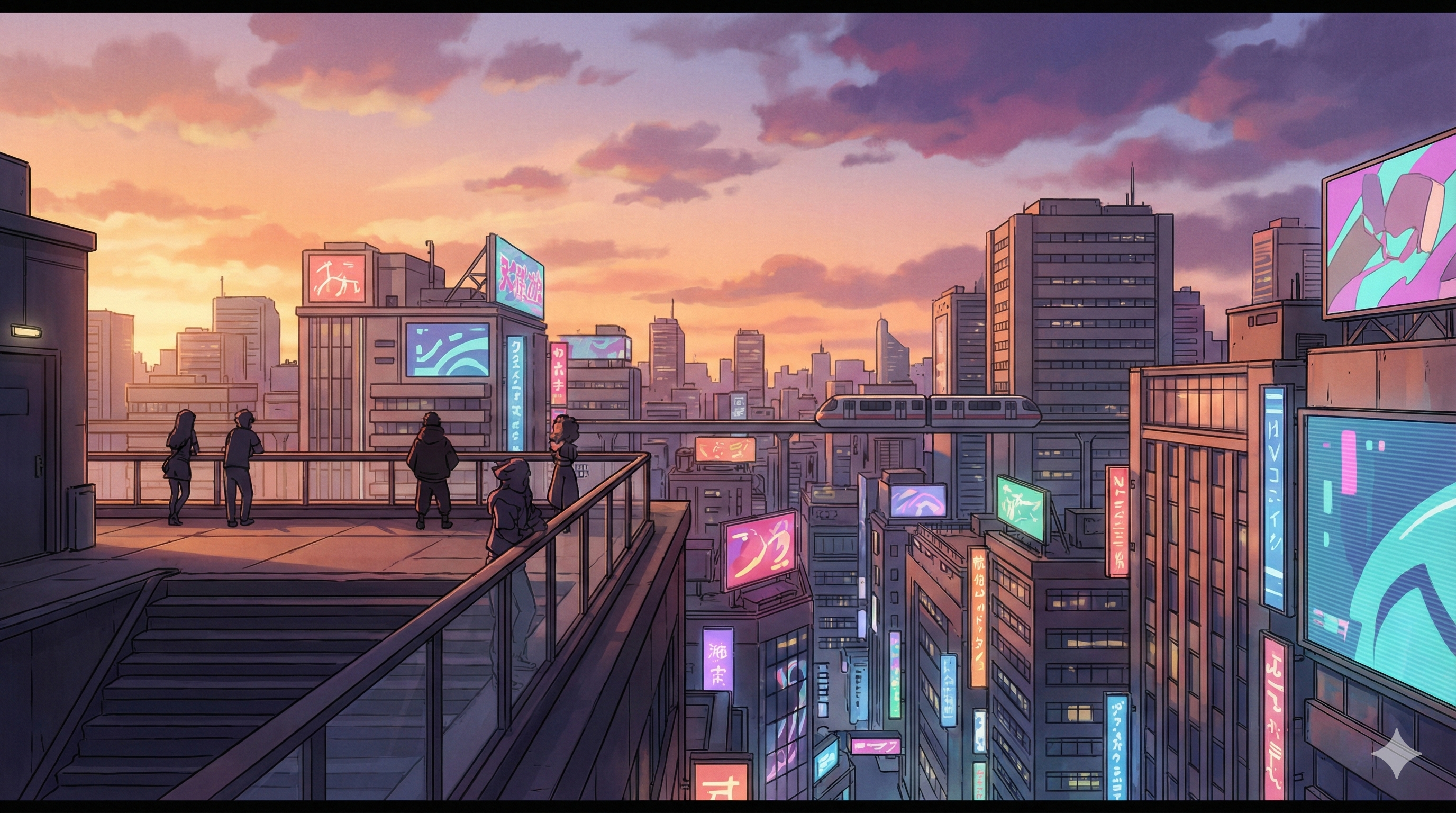
“A cinematic 8-second drone shot flying slowly over a futuristic coastal city at sunset. The camera starts high above the ocean...”
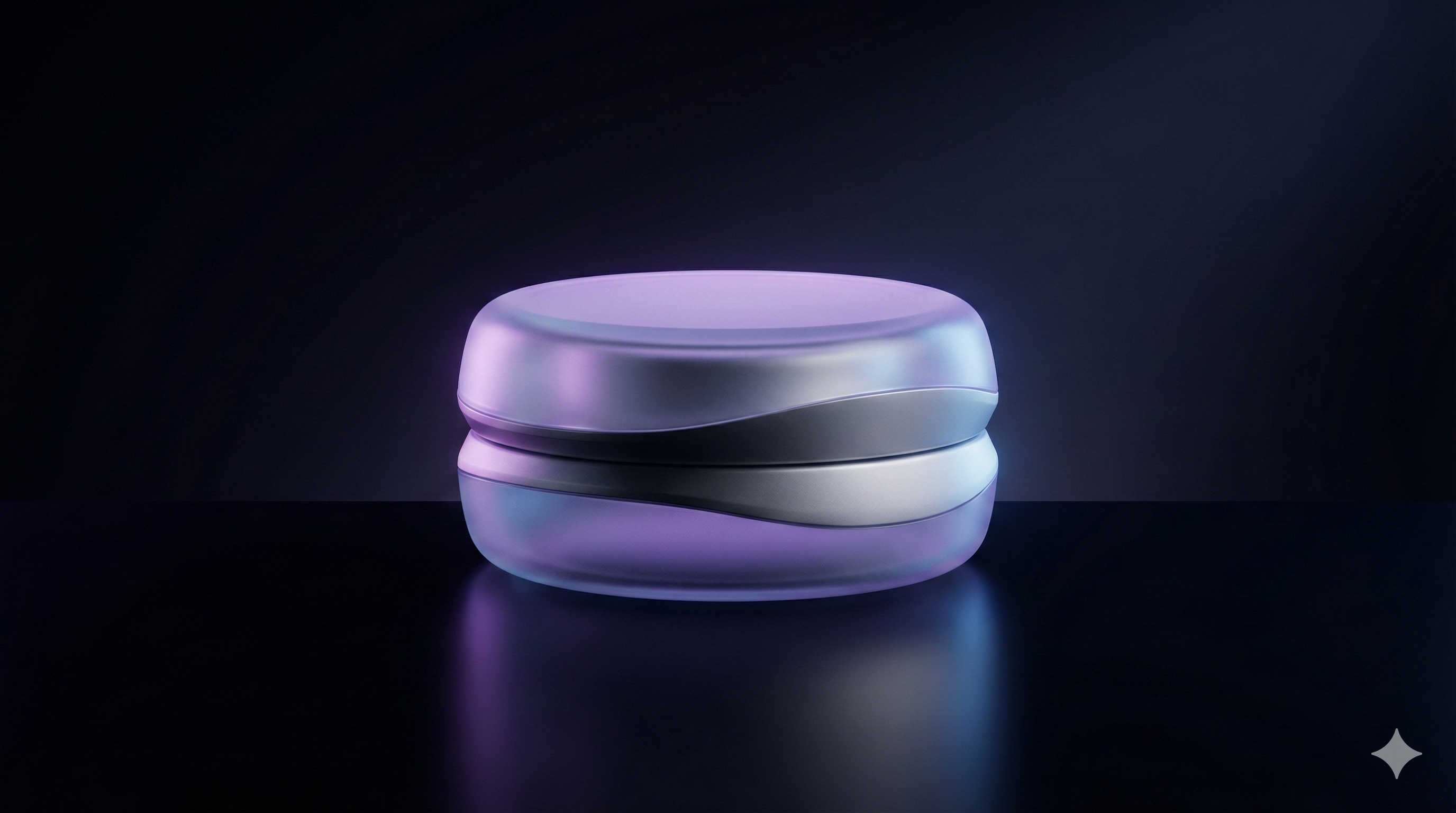
“A cinematic 8-second vertical 9:16 video of a calm morning coffee ritual by a window...”

“A cinematic 8-second 16:9 video of sunrise over a misty mountain valley. The camera starts low...”
Pro Tips for Better Prompts
Lead with the subject
Name the product, color, and material up front. Add the angle or framing you want (close-up, handheld, rotating on a pedestal).
Specify motion cues
Include how the camera should move (push-in, orbit, slow pan) and what should happen in the scene (product spins, text overlay, hero lighting change).
Match the channel
Call out the platform and tone: “TikTok-style, fast cuts, bold captions” or “product page hero, clean studio lighting” to guide pacing and styling.
Keep it short
5-8 second clips perform well for social and ads. Start concise, then iterate with multiple variants instead of one long take.
Ready to ship your next video?
Jump into the text-to-video workspace to draft a clip, or explore the tool page to see the controls and FAQs.