
Visa & Passport Photo Requirements in 2026: What Gets Rejected (and How to Get It Right)
A practical guide to visa/passport photo rules: background, head size, clothing, expression, and why 'AI filters' can get you rejected. Plus how Synpix.ai helps you generate template-perfect files.
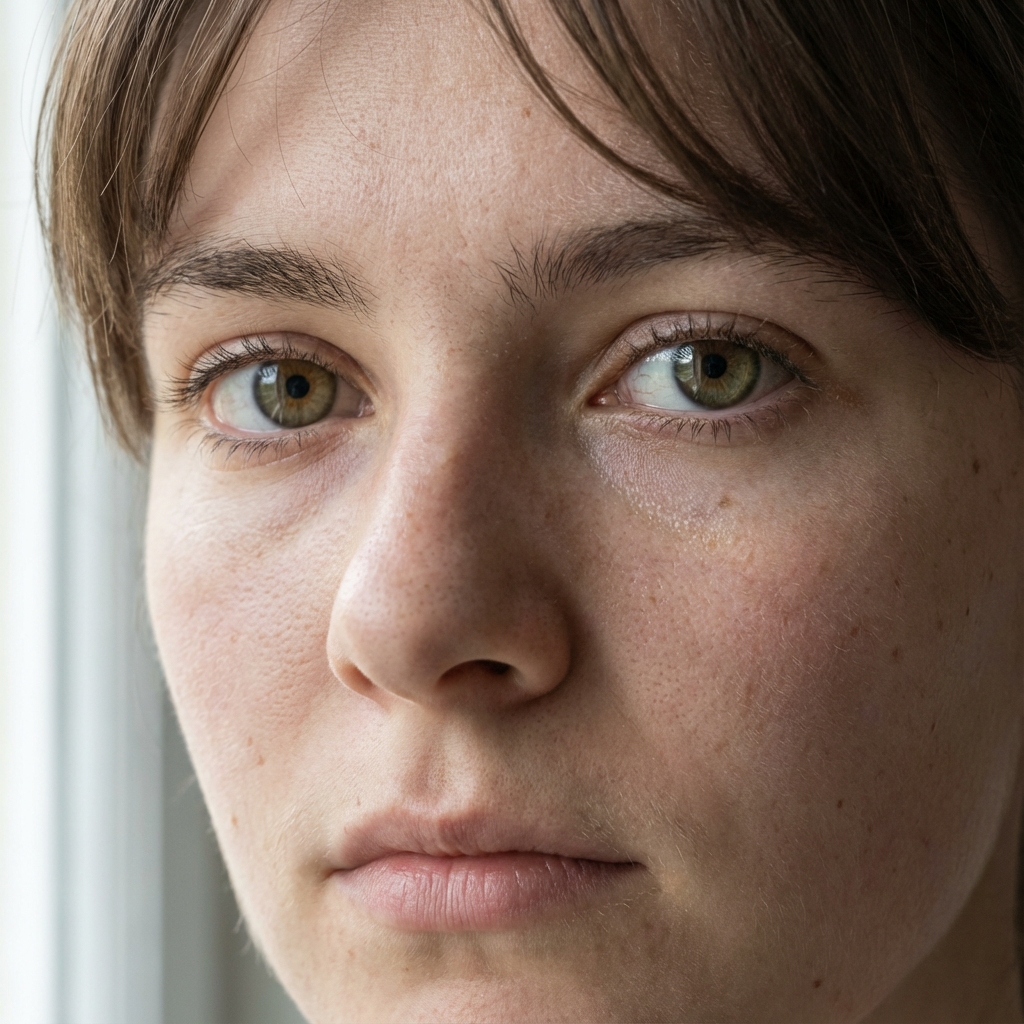
Why visa photos get rejected (the boring rules that ruin your day)
Visa and passport systems are optimized for biometrics: a consistent, front-facing image that machines and humans can verify quickly. Small deviations often trigger rejections.
- Background is not plain (gradients, shadows, texture)
- Head is too small or too large, or framing is off
- Head tilt or shoulders are not level
- Expression is not neutral (smile is too strong)
- Lighting casts shadows under the chin or behind the head
- Glasses or accessories obscure the eyes
- Clothing looks like a uniform or camouflage
- Digital edits, filters, or AI modifications are detected or disallowed
The big AI editing warning (read this before you waste time)
Some authorities explicitly say not to alter your photo using software, filters, or AI. For U.S. passport photos, the Department of State says:
"Do not change your photo using computer software, phone apps or filters, or artificial intelligence."
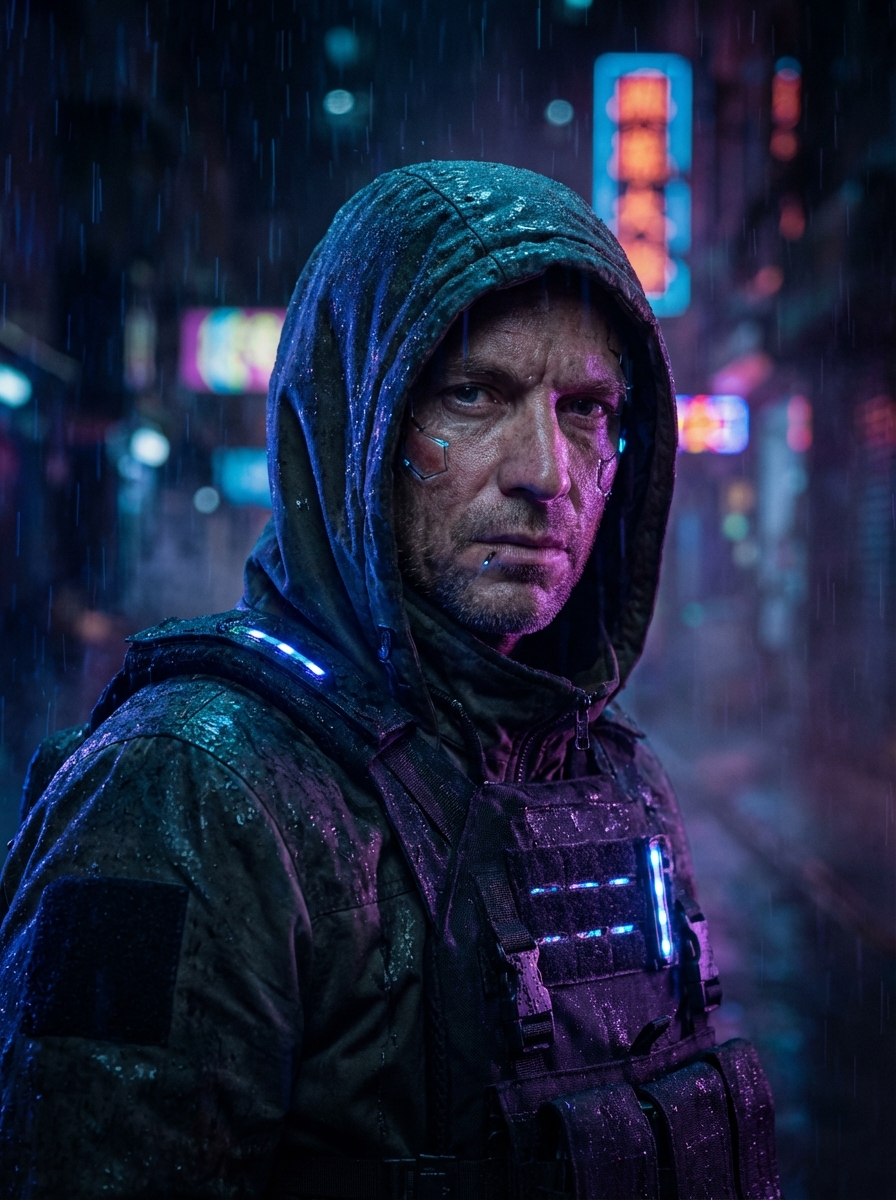
That means beauty filters (skin smoothing, face reshaping, eye enlargement) can be risky even if they make the photo look better.
Generally safest
- Correct template size and aspect ratio
- Accurate cropping and head size
- Clean, uniform background
- Natural skin tone and features
Usually risky
- Reshaping facial features
- Heavy retouching or smoothing
- Changing expression
- Stylized filters or dramatic color grading
Disclaimer: requirements vary by country and application system. Always verify the official rules for your destination.
Clothing: simple is compliant
Treat your visa photo like a biometric scan, not a fashion shoot.
- Wear normal everyday clothing (avoid uniforms, uniform-like outfits, and camouflage).
- Prefer solid, darker colors so you separate from a white background.
- Avoid bright white tops on a white background-your shoulders can disappear.
- Keep jewelry minimal; avoid anything covering your face.
The U.S. State Department FAQ specifically warns against uniforms/camouflage and recommends normal daily clothing.
Expression: neutral wins (micro-smile is sometimes okay)
Many countries want a neutral expression: eyes open, mouth closed, no exaggerated smile. A slight natural smile may be accepted in some systems, but neutral is the safest default.
Keep your head straight. Even a small tilt can fail automated checks.
Background and lighting: pure beats pretty
- White or off-white background
- No gradients, patterns, or textures
- No shadows behind the head or under the chin
- Even lighting from the front or slightly above
A common rejection: a background that looks white but has a subtle gray gradient or shadow.
Head size and framing: templates matter
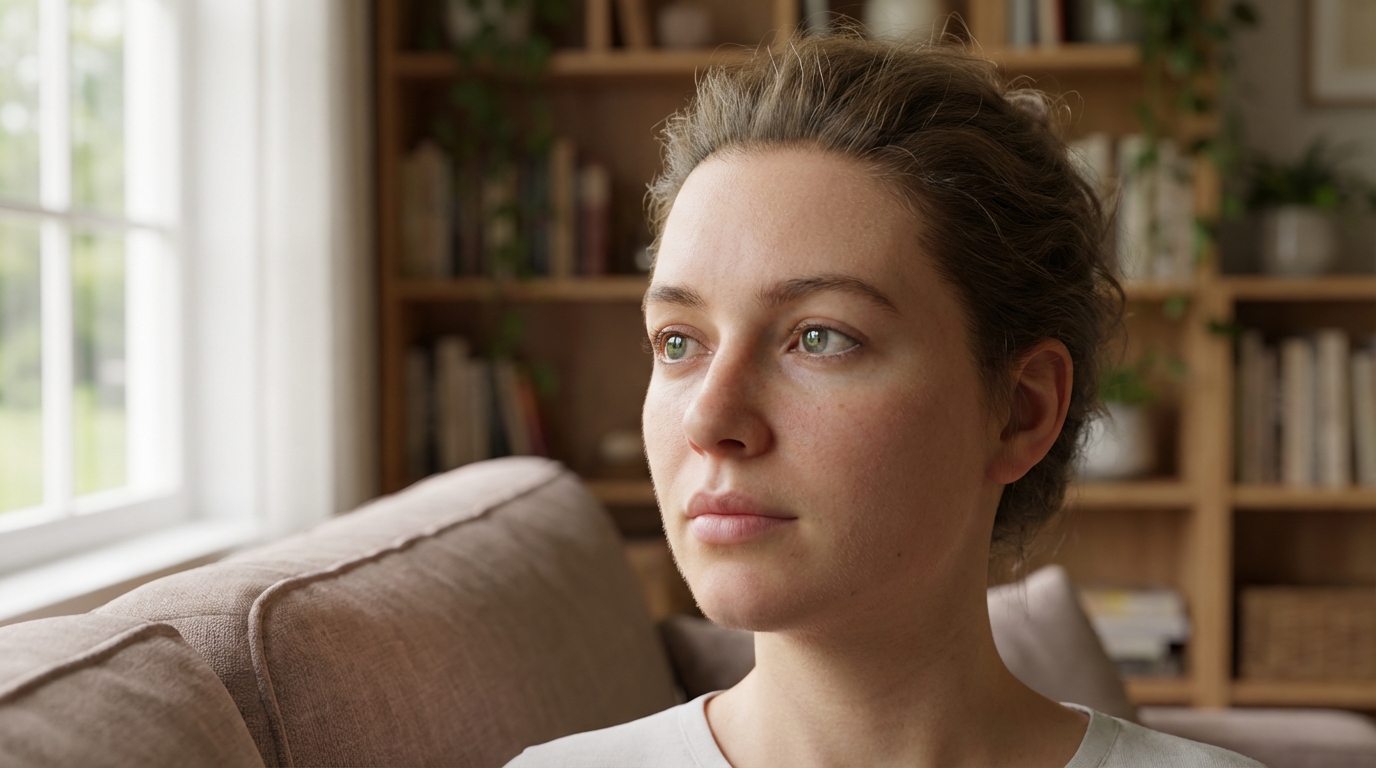
Different destinations have different formats, and the crop is just as important as the pixels.
U.S. visa / passport (digital)
The U.S. uses a square digital image and defines acceptable pixel dimensions (minimum 600x600). Head size and eye position must fit the template.
Schengen common pattern
Many Schengen applications use 35x45 mm with the head occupying roughly 70-80% of the photo height. Always confirm your consulate or embassy requirements.
How Synpix.ai Visa Photo helps (without turning you into someone else)
Synpix.ai is designed for the real workflow: upload, pick a country template, and download a correctly sized file. It keeps edits conservative so you look like yourself.
What we focus on
- Template-accurate sizing for common destinations
- Auto-fit framing to keep head size in range
- Background cleanup that aims to preserve identity
- Download-ready files for submission systems
- A checklist so you catch issues before submitting
What we avoid
- Heavy beautification or reshaping
- Expression changes
- Stylized filters
Because pretty-but-edited is a common rejection trap.
Step-by-step: best results in 2 minutes
You can follow along in the live tool here: Synpix Visa Photo.
Or jump straight to the app workspace: /en/app/visa-photo.
- Take a photo facing a window or soft light source (avoid harsh shadows).
- Stand about 1 meter from a plain wall or clean sheet.
- Upload to Synpix.ai Visa Photo.
- Select your destination template (U.S. 2x2, Schengen 35x45, and more).
- Adjust framing only if needed-keep shoulders visible and head straight.
- Download the final file and submit.
FAQ
Can Synpix guarantee acceptance?
No tool can guarantee acceptance because rules vary by country and reviewers interpret them differently. We optimize for common compliance patterns and keep edits conservative.
Can I use beauty or AI enhancement and still pass?
Sometimes, but it is a rejection risk-especially where authorities explicitly disallow filters or AI. For official submissions, choose conservative settings or no enhancement.
What about glasses?
Many systems reject glasses because of glare or occlusion. If you can remove them, do.
Sources (official / reference)
Ready to generate a template-perfect visa photo file?
Upload a photo, pick your destination template, and download a compliant file in minutes.